
Item Activity Report
The Item Activity report summarizes how each item's stock moved over a date range — the on-hand beginning and ending balances and the quantities received, used, adjusted, and damaged. You can drill into the underlying transactions for any item.
Open it from Inventory -> Reports -> Item Activity.
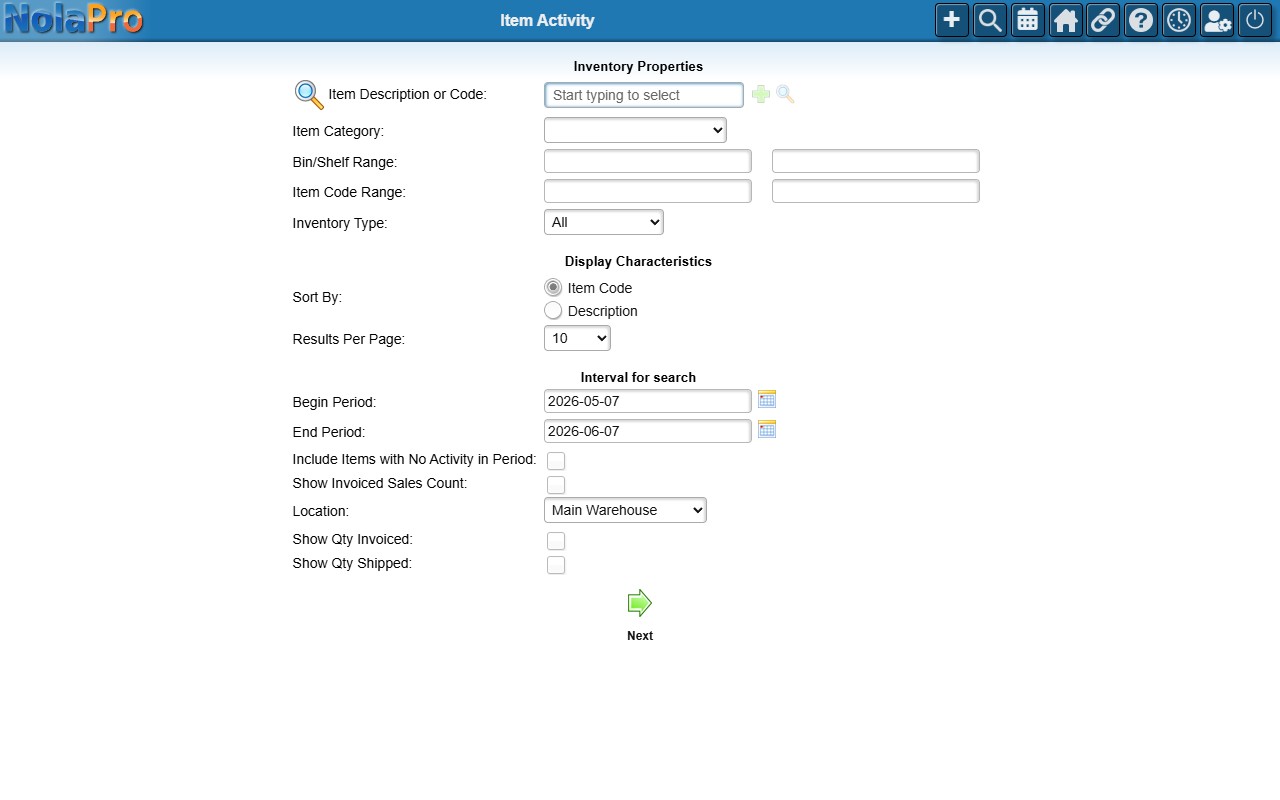
Running the Report
Set a date range and, optionally, narrow to a single Item Description or Code, category, or location, then generate the summary. Each item row totals the activity for the period; click into an item to see its transaction-level detail. In the detail view, purchase rows name the vendor the stock was bought from in the Action column (for example, "Purchase: Acme Supply Co."); a purchase with no linked vendor simply reads "Purchase".