
Item Distribution Report
The Item Distribution report shows your items across locations with on-hand quantities, seasonal minimum/maximum stock levels, and order quantities. Use it to see how stock is distributed and where reorder levels are set.
Open it from Inventory -> Reports -> Item Distribution.
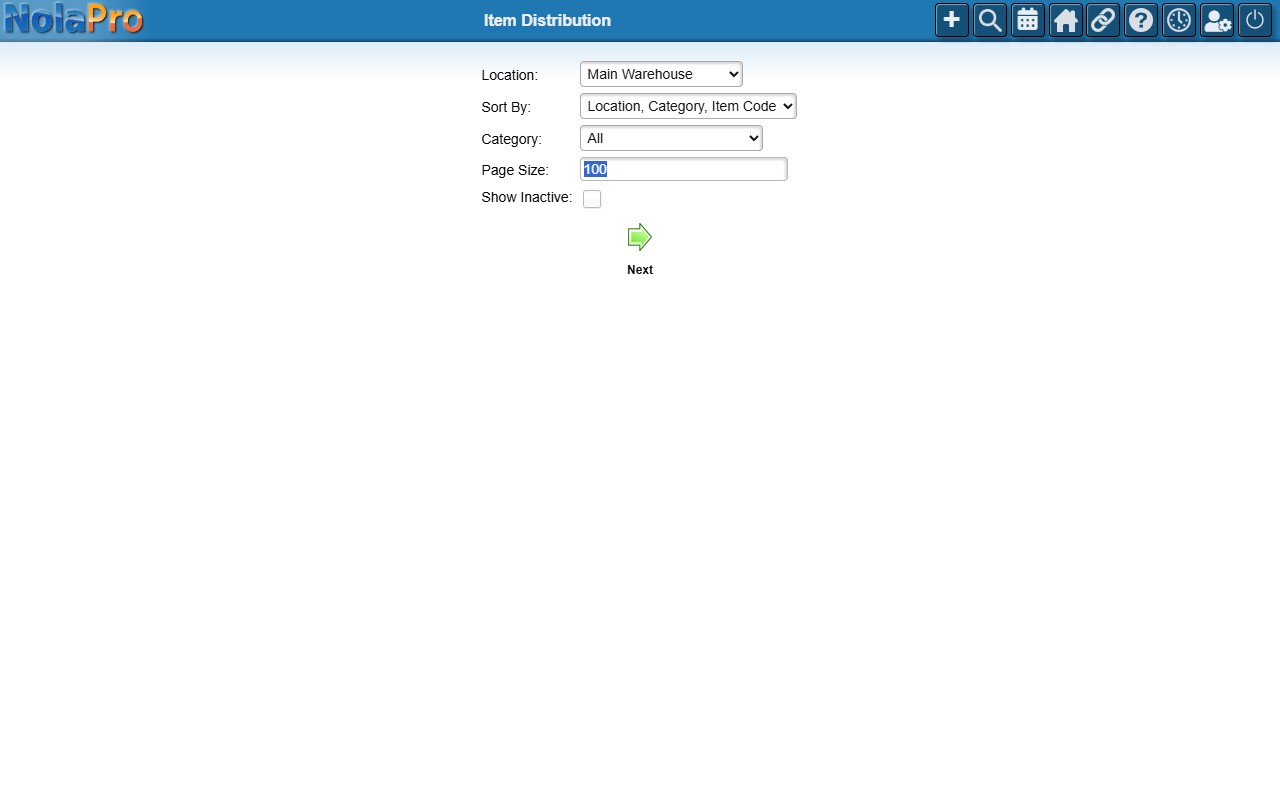
Running the Report
Optionally filter by Location and Category, tick Show Inactive to include inactive items, and tick Below Reorder Point Only to restrict the list to items currently under their minimum stock level for the current season. With that filter on, Total in Group counts only the items needing reorder. Items with no minimum stock level set (zero) never appear under that filter. Then generate the report. It is paginated and can be downloaded as a landscape PDF.