
Inventory Aging Report
The Inventory Aging report shows the age of your on-hand inventory by purchase receipt or lot. Use it to identify slow-moving or stale stock.
Open it from Inventory -> Reports -> Inventory Aging.
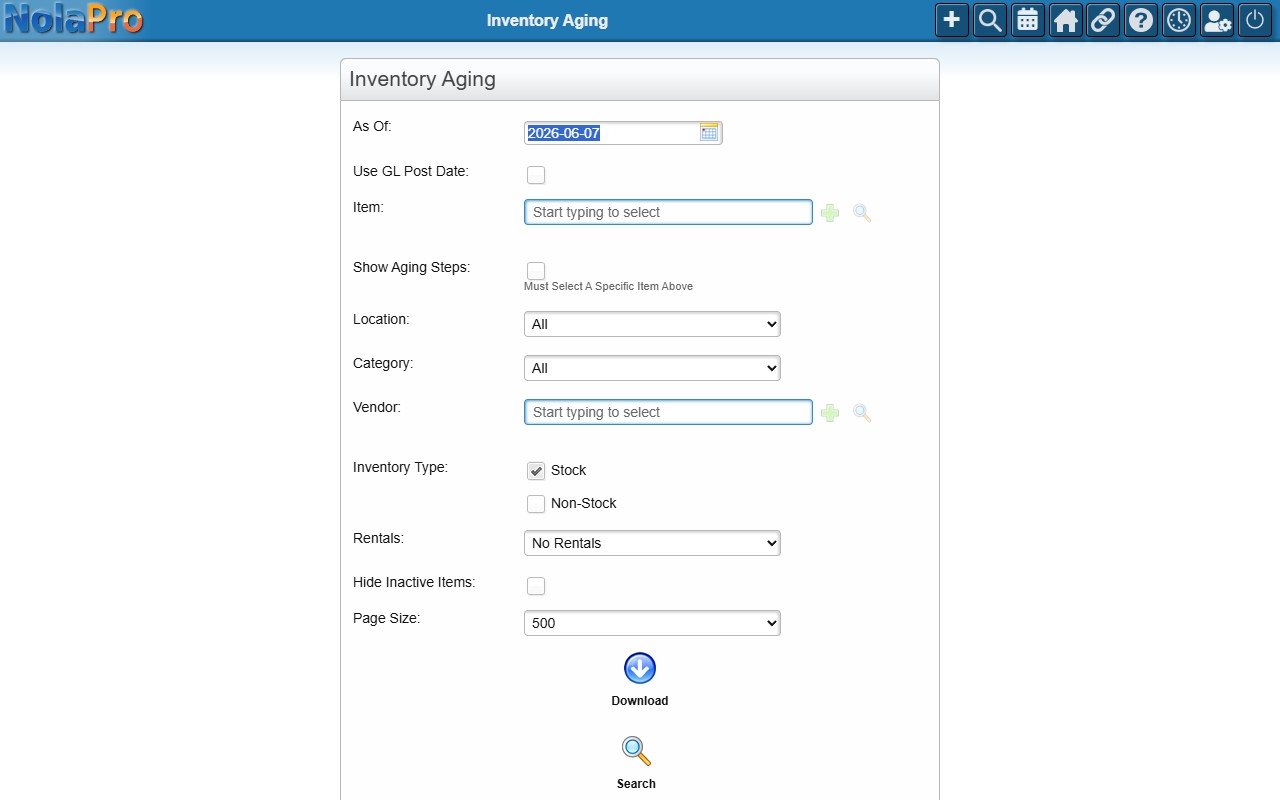
Running the Report
Set the As Of date and optionally filter by item, location, category, vendor, or inventory type, then generate the report. Select a specific item and tick Show Aging Steps to see its detailed aging breakdown.