
Receivables Aging Report (Details)
The Aging - Details report shows your outstanding customer invoices bucketed by how far past due they are, so you can see who owes you and how overdue each balance is.
Open it from Income -> Reports -> Billing -> Aging - Details.
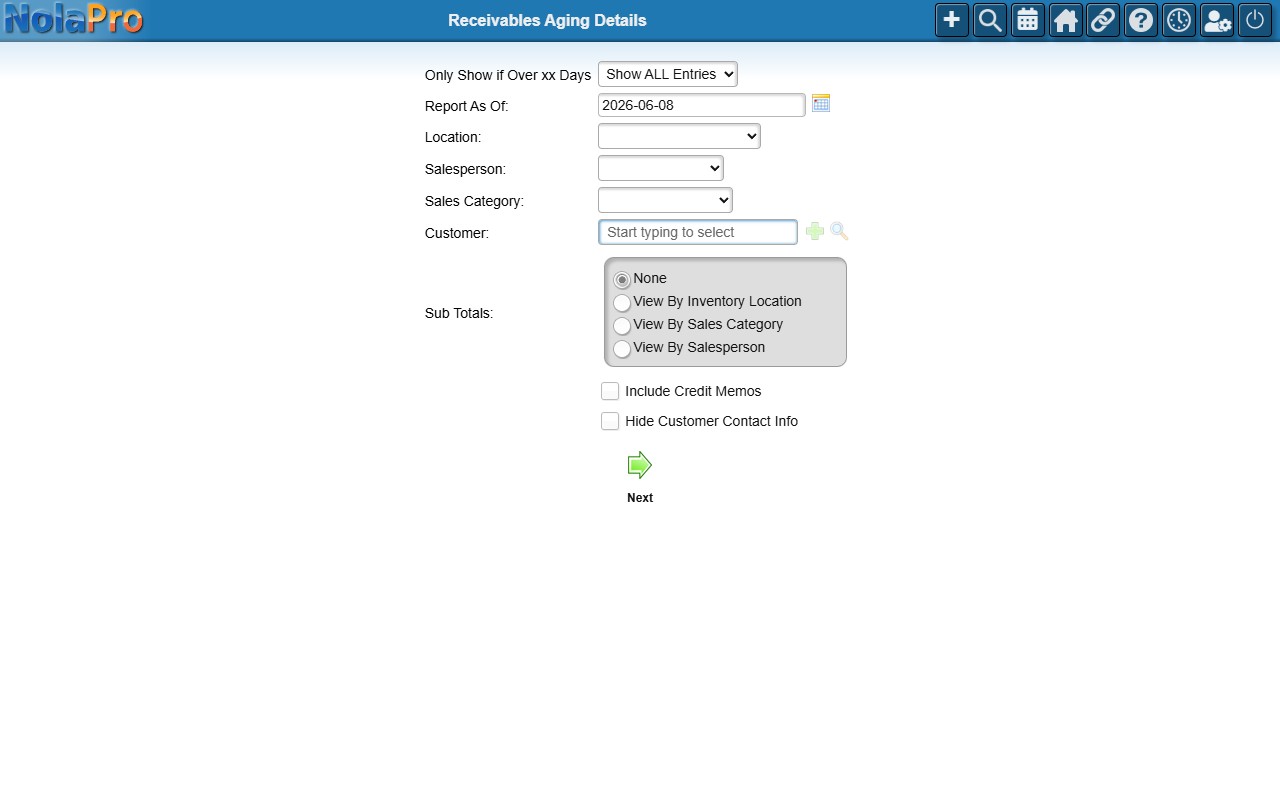
Running the Report
- Only Show if Over xx Days — limit to invoices past a chosen age, or show all entries.
- Report As Of — the date to age balances against.
- Optional filters: Location, Salesperson, Sales Category, Customer.
- Sub Totals — group by inventory location, sales category, or salesperson.
- Tick Include Credit Memos, Hide Customer Contact Info, or Show Last Contact Note as needed (Show Last Contact Note adds each customer's most recent contact note to the report), then click Next.