
Inventory Sales History Report
The Inventory Sales History report shows what inventory items sold over a date range, with filters for customer, salesperson, sales category, vendor, location, and sales region. Use it to analyze item-level sales.
Open it from Inventory -> Reports -> Inventory Sales History.
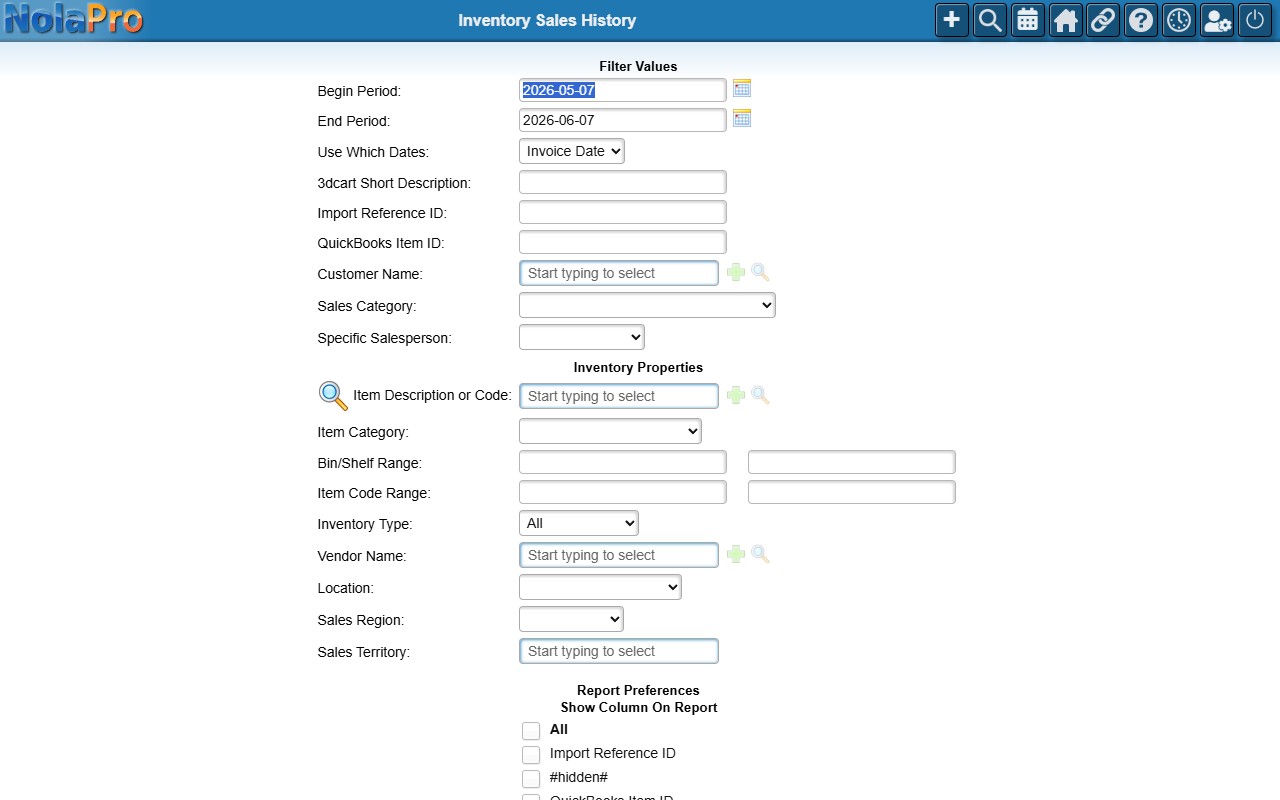
Choosing the Range and Filters
- Begin Period / End Period (required) — the date range (defaults to the last month).
- Use Which Dates — report by Invoice Date (default) or Paid Date.
- Optional filters: Customer Name, Sales Category, Specific Salesperson, Vendor Name, Location, and Sales Region (when configured). Item flex-field filters appear automatically when present.