
Payment Report (Billing)
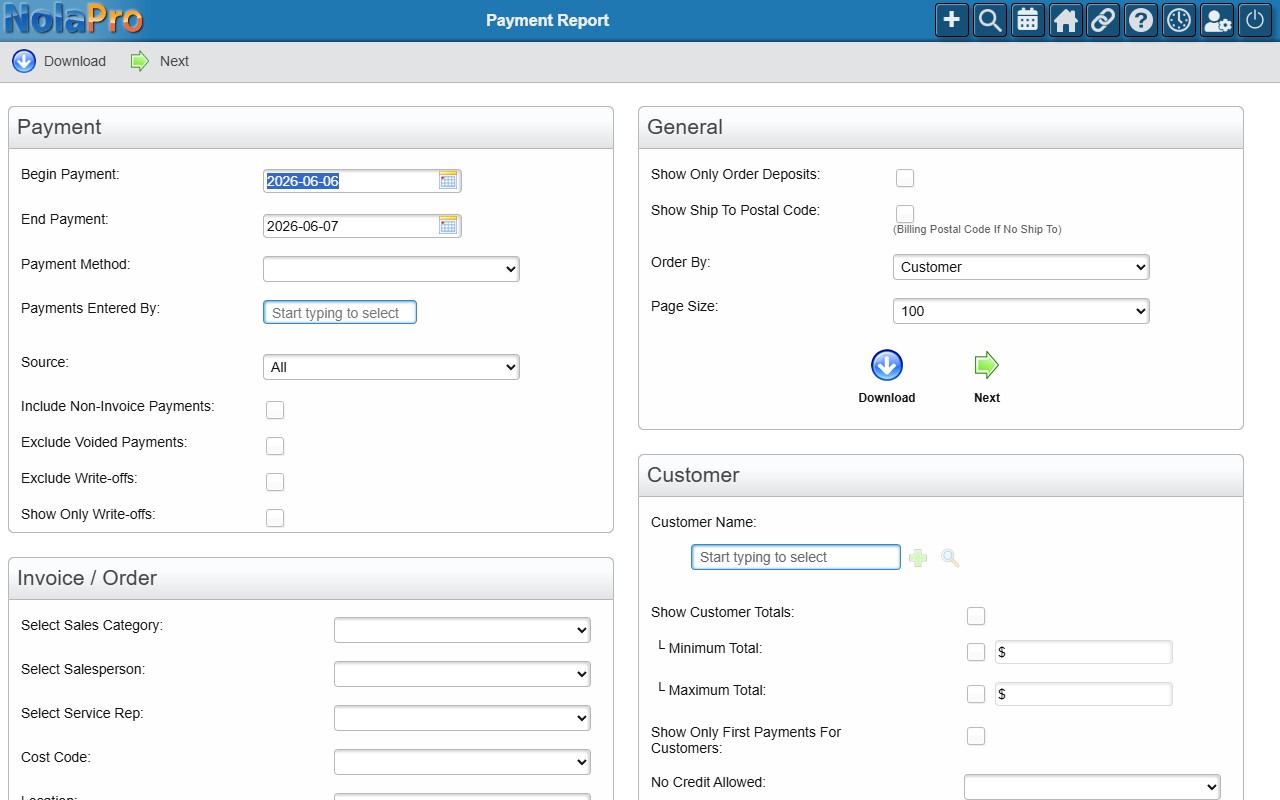
The Payment Report lists customer payments received over a date range, so you can review and reconcile money taken in. It offers extensive filters — by payment method, source, customer, sales category, salesperson, and more — plus options for deposits, write-offs, and customer totals.
Open it from Income -> Reports -> Billing -> Payment Report.
Running the Report
Set the Begin and End Payment dates and any optional filters (payment method, source, customer, sales category/salesperson, etc.), choose an Order By and page size, then click Next to view the report or Download to export it.
Use the Deposited To filter to limit the report to payments deposited into a specific bank account — handy when reconciling a single account (for example, only payments that landed in your Checking account).