
Item Shipments Report
The Item Shipments report lists every shipped (or cancelled) order line in a date range, grouped by item. Use it to see which orders moved a given item, the quantities shipped per order, and totals by item and overall.
Open it from Inventory -> Reports -> Item Shipments.
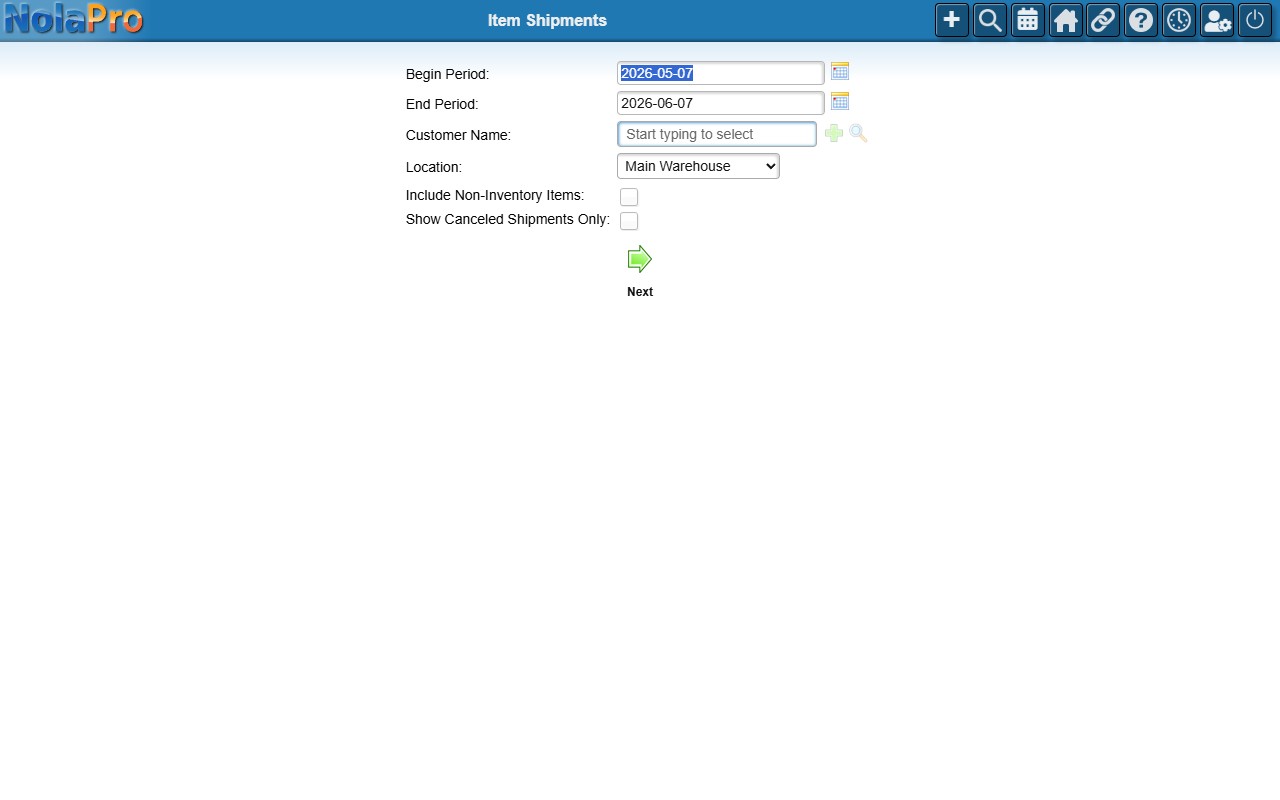
Choosing the Range and Filters
- Begin Period / End Period — the shipment date range (defaults to the last month).
- Customer Name and Location — optional filters.
- Include Non-Inventory Items — also include service/freeform lines not tied to an inventory item.
- Show Canceled Shipments Only — list only cancelled shipments.