
Payables Aging Report
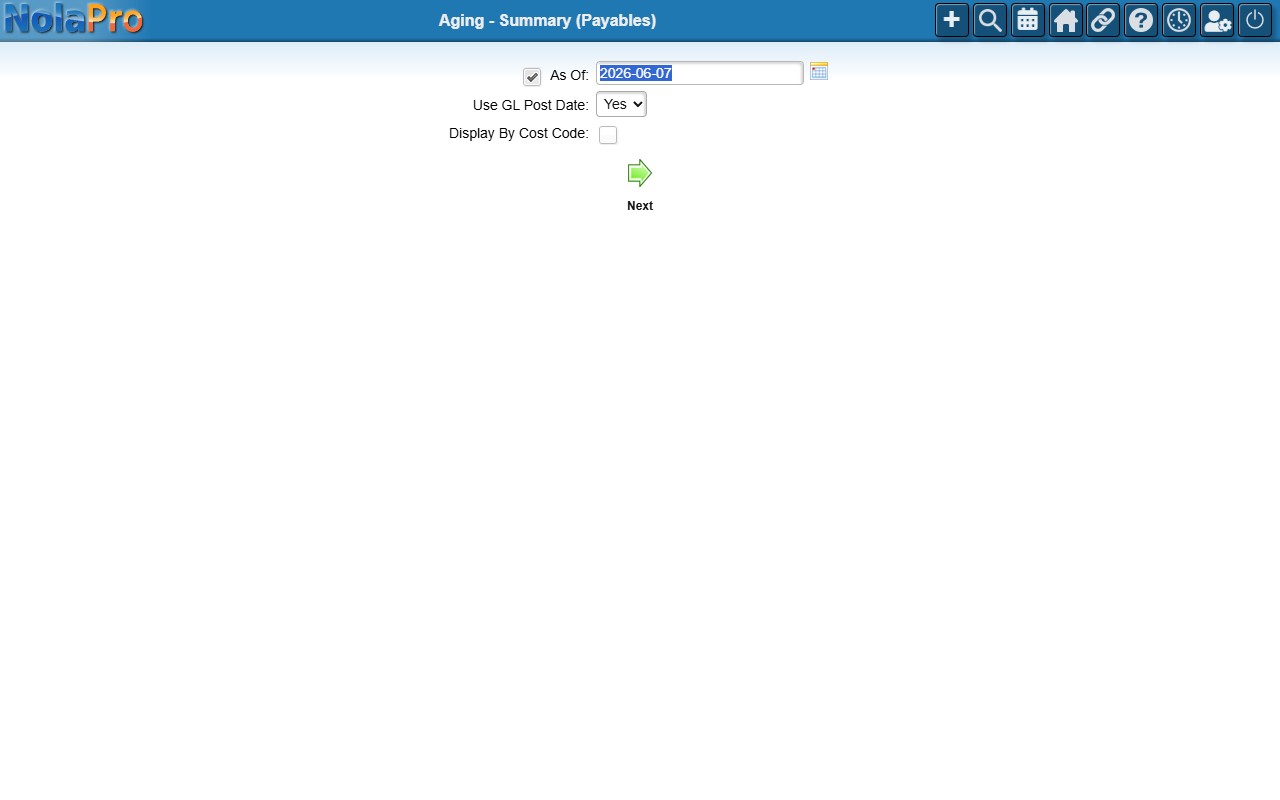
The Payables Aging report shows your outstanding vendor bills bucketed by how far past due they are, in either Summary or Details form. You can run it as of a chosen historical date and optionally group it by cost code.
Open it from Expenses -> Reports -> Aging - Details.
Running the Report
Choose Summary or Details, optionally set an as-of date and a cost code grouping, then generate the report to see what you owe and how overdue it is.