
Item Status Report
The Item Status report shows per-location quantity information for your inventory: on-hand, committed, available, and on-order quantities for each item at each location. Use it to see what you have, what is spoken for, and what is available to sell.
Open it from Inventory -> Reports -> Item Status.
Narrowing the Report
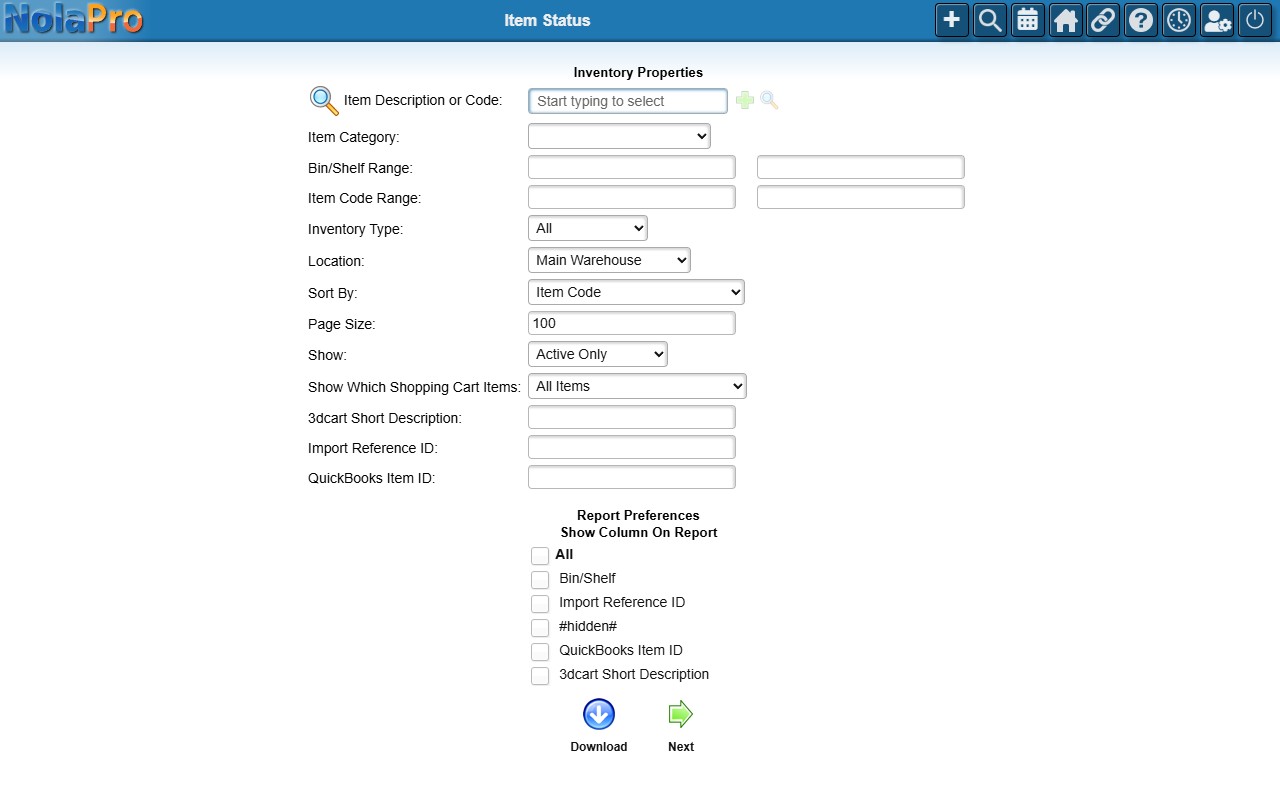
- Filter by Item Description or Code, Item Category, Bin/Shelf Range, Item Code Range, Inventory Type, and Location.
- Sort By (required) — e.g. Item Code; Category, Item Code; Location, Item Code.
- Show — Active Only, Active & Inactive, or Inactive Only.
- Tick Bin/Shelf (and, with the Custom Fields feature, individual custom-field columns) to add those columns to the report.
Click an item code in the results to open that item's full inventory-status detail. Use the PDF link to print, or Download to export.