
Incomplete Items Report
The Incomplete Items report finds inventory items that are missing required setup data — either items with no cost entered or items with no vendor assigned. Use it to clean up your catalog.
Open it from Inventory -> Reports -> Incomplete Items.
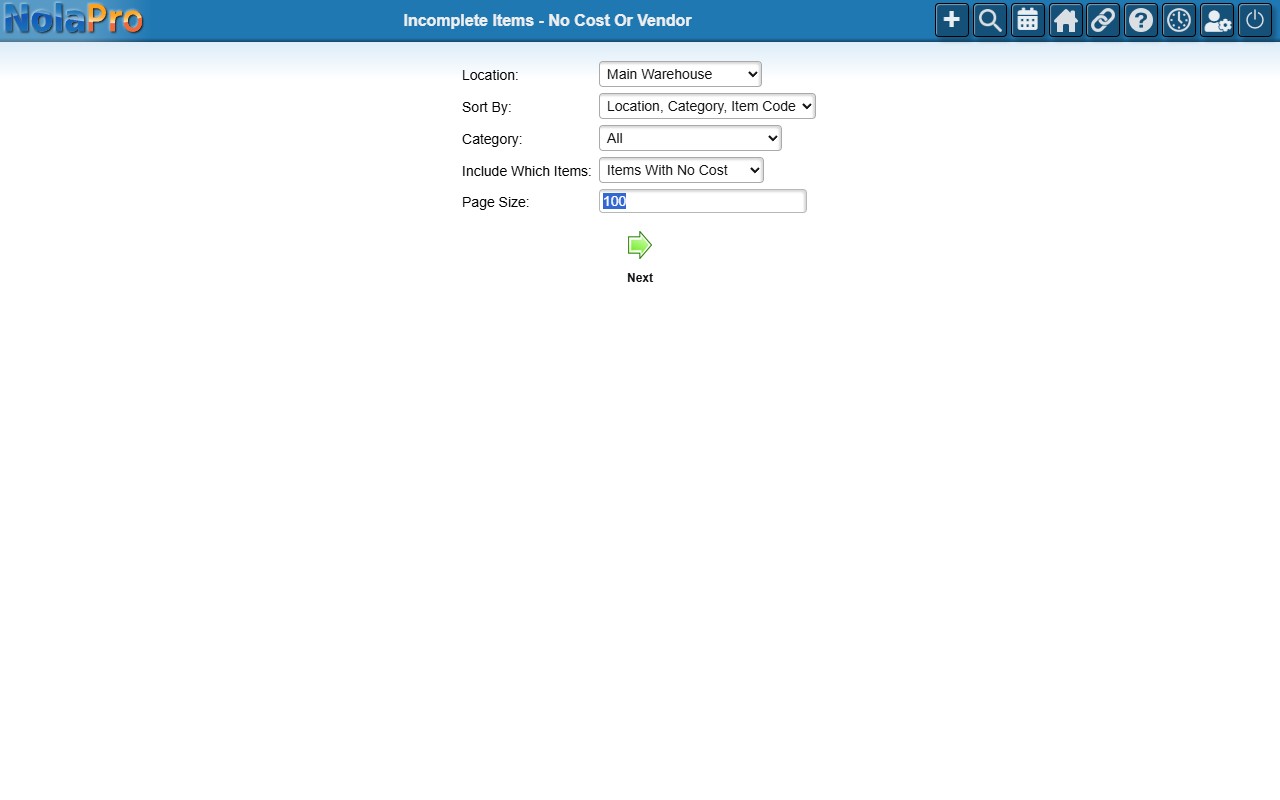
Running the Report
- Include Which Items (required) — choose Items With No Cost (no first, mid, or last cost at any location) or Items With No Vendor (no active vendor linked).
- Location and Category — optionally narrow the results; leave blank/All for everything. (With the User Locations feature, you see only your permitted locations.)
- Sort By (required) — Location + Category + Item Code, Location + Item Code, Category + Item Code, or Item Code.
- Page Size — rows per page (default 100).
Each Item Code in the results links straight to that item's edit page so you can add the missing cost or vendor.