
Item Summaries Report
The Item Summaries report aggregates each item's on-hand quantity together with its cost layers — First, Mid, Last, and Weighted Average cost, each with the corresponding quantity. Use it to review item costing across all of your stock in one place.
Open it from Inventory -> Reports -> Item Summaries.
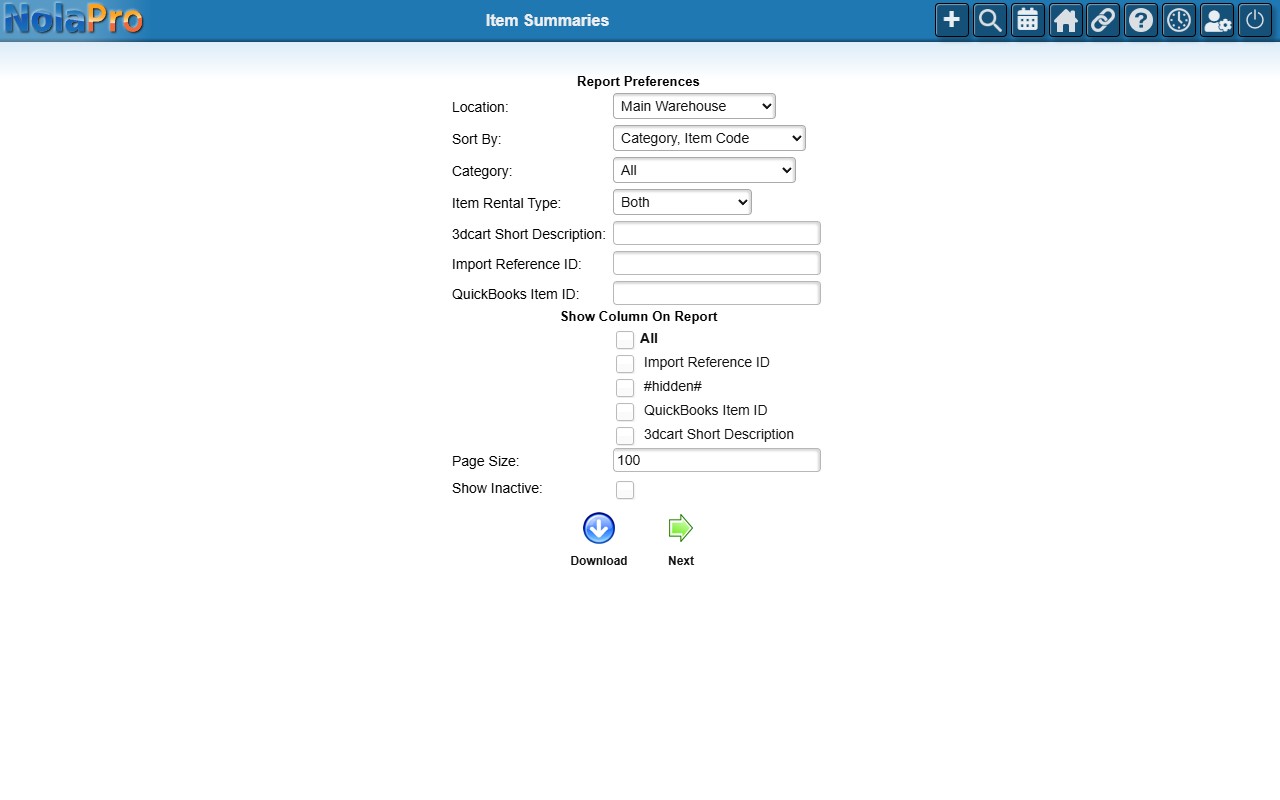
Running the Report
- Location — one location or All. (With the User Locations feature, results are limited to your permitted locations.)
- Sort By (required) — Category, Item Code; Item Code; Item Code, Location; or Category, Item Description.
- Category and Show Inactive — narrow to a category or include inactive items.
- With the Custom Fields feature, tick individual custom-field columns to add them.
The report shows Qty On-Hand, units, and the First/Mid/Last/Weighted-Average cost and quantity columns. Click a Qty On-Hand value to drill into the item's on-hand detail. Use the PDF link to print, or Download to export to Excel.