
Employee Status Report (Time Clock)
The Employee Status report shows the current time clock status of all active employees — whether each is currently working, on a break, at lunch, or not at work. It requires the Time Clock feature.
Open it from Payroll -> Reports -> Employee Status.
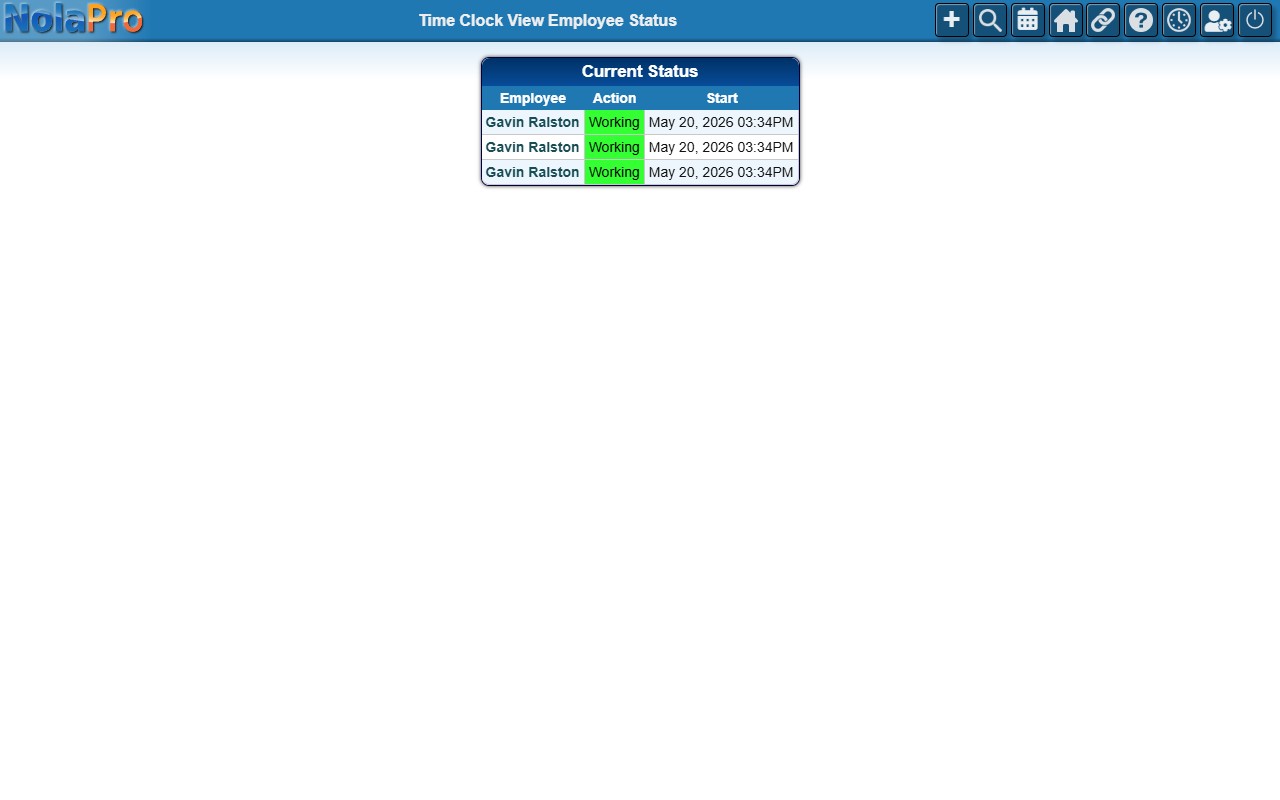
The report lists each active employee with their present status at a glance, so you can see who is on the clock right now.