
Workload
Path: Projects -> Tasks → Workload (taskbar)
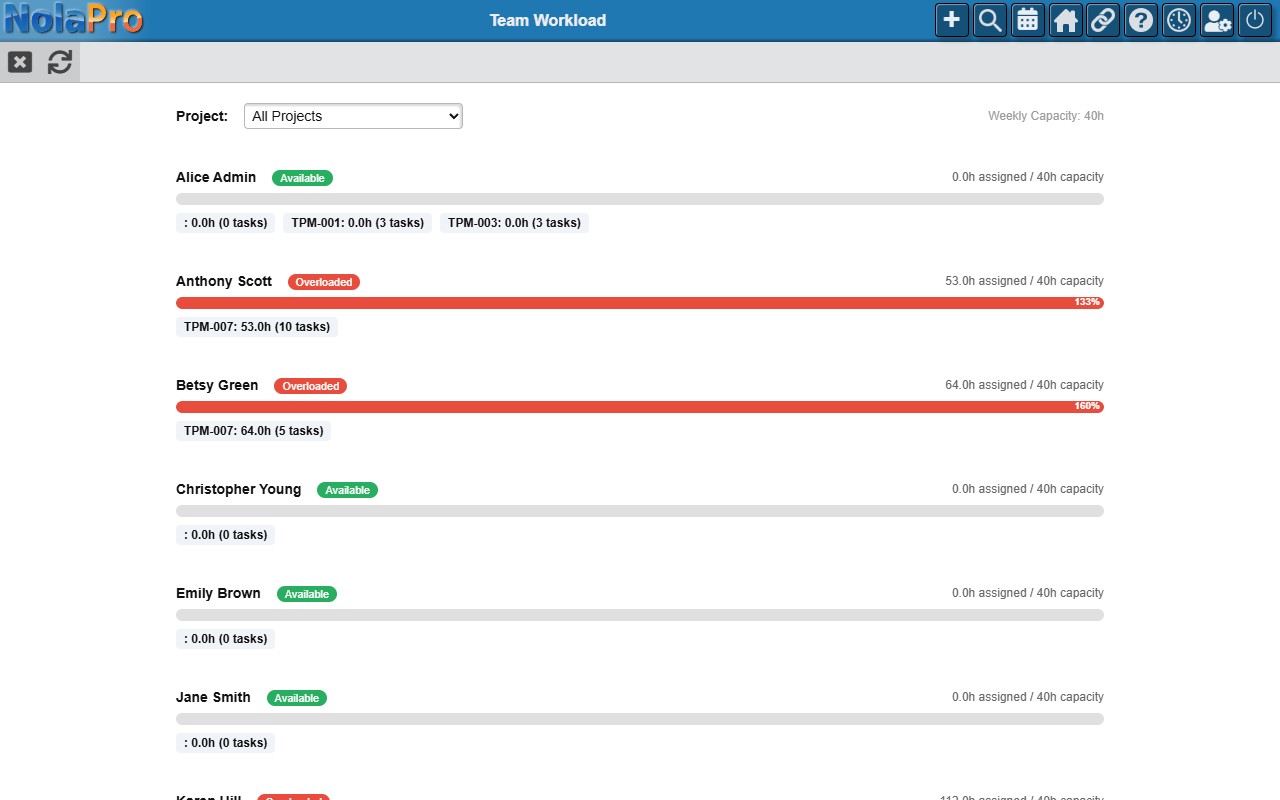
The Workload view shows team capacity at a glance.
- Each team member with assigned tasks gets a capacity bar comparing total estimated hours (from incomplete tasks) against the weekly capacity setting.
- Color coding: green (available), yellow (near capacity, over 80%), red (overloaded, over 120%).
- Below each bar, project breakdowns show how hours are distributed, and a "logged this week" counter shows actual hours for the current week.
- Filter by project using the dropdown at the top.
The weekly capacity hours default (usually 40) is configured in Admin -> System -> Project Settings.