
Invoice History (B2B Portal)
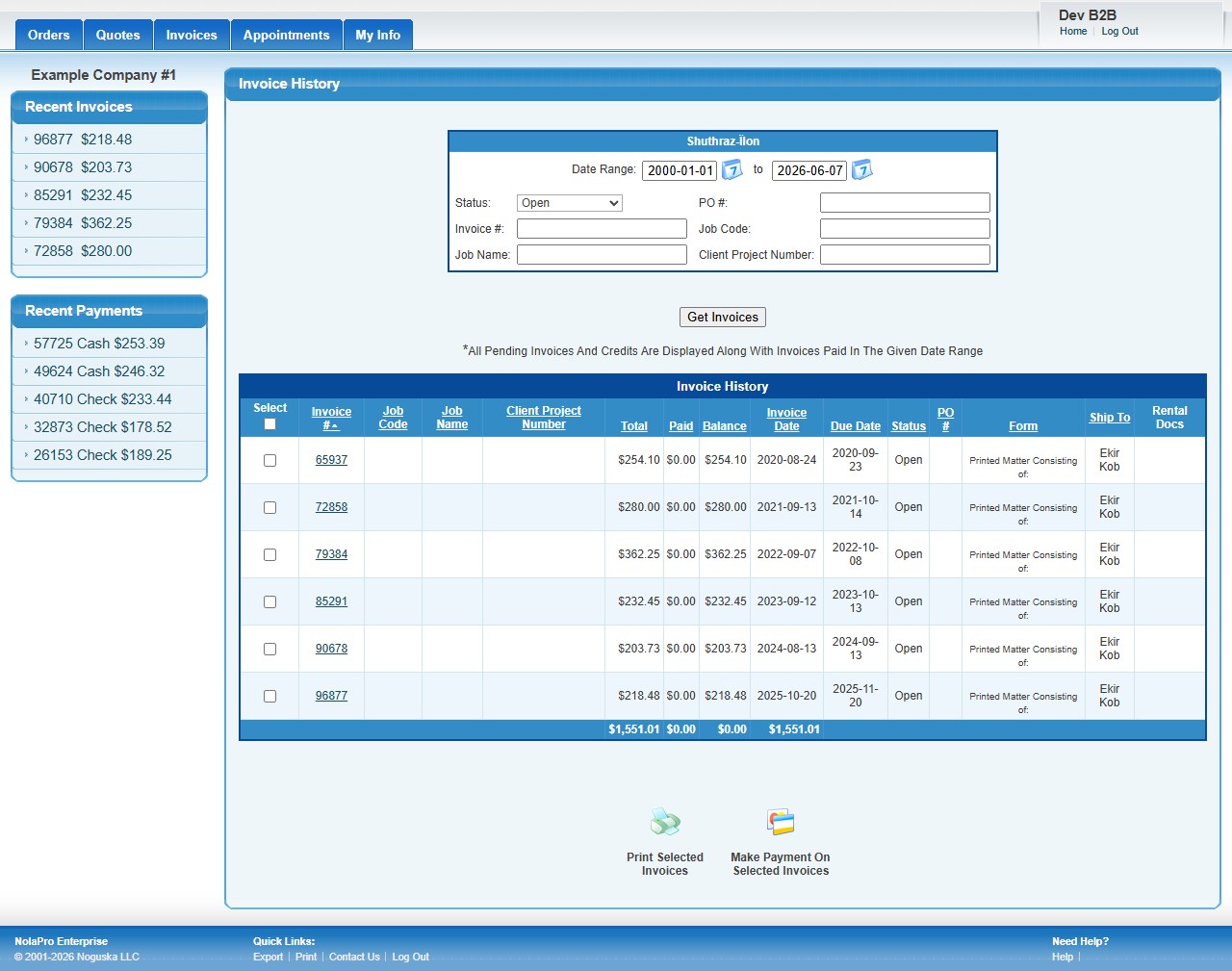
In the B2B portal, Invoice History lets a customer view their account's invoices, filter by date and status, and print or pay selected invoices. (This is the customer-facing view; staff use the Income -> Reports -> Billing -> Summary of Invoices report for the same underlying data.)
B2B portal customers reach it from the Invoices tab — Income → Invoices → Invoice History.
Using Invoice History
- Set the Date Range, Status, or other filters (PO#, Invoice#, Job Code/Name) and click Get Invoices. All open and pending invoices always show; the date range applies only to paid invoices.
- The table shows each invoice's total, amount paid, balance, invoice and due dates, status, PO number, form, and ship-to; click an invoice number for a printable PDF.
- Use the Select checkboxes for bulk actions: Print Selected Invoices or Make Payment On Selected Invoices.