
Billed Items Report
The Billed Items report shows all line items billed to a selected customer, optionally within a date range. Use it to see every product and service line a customer has been invoiced for, so you can reconcile their charges or answer "what exactly did we bill them for?" questions.
Open it from Income -> Reports -> Billing -> Billed Items.
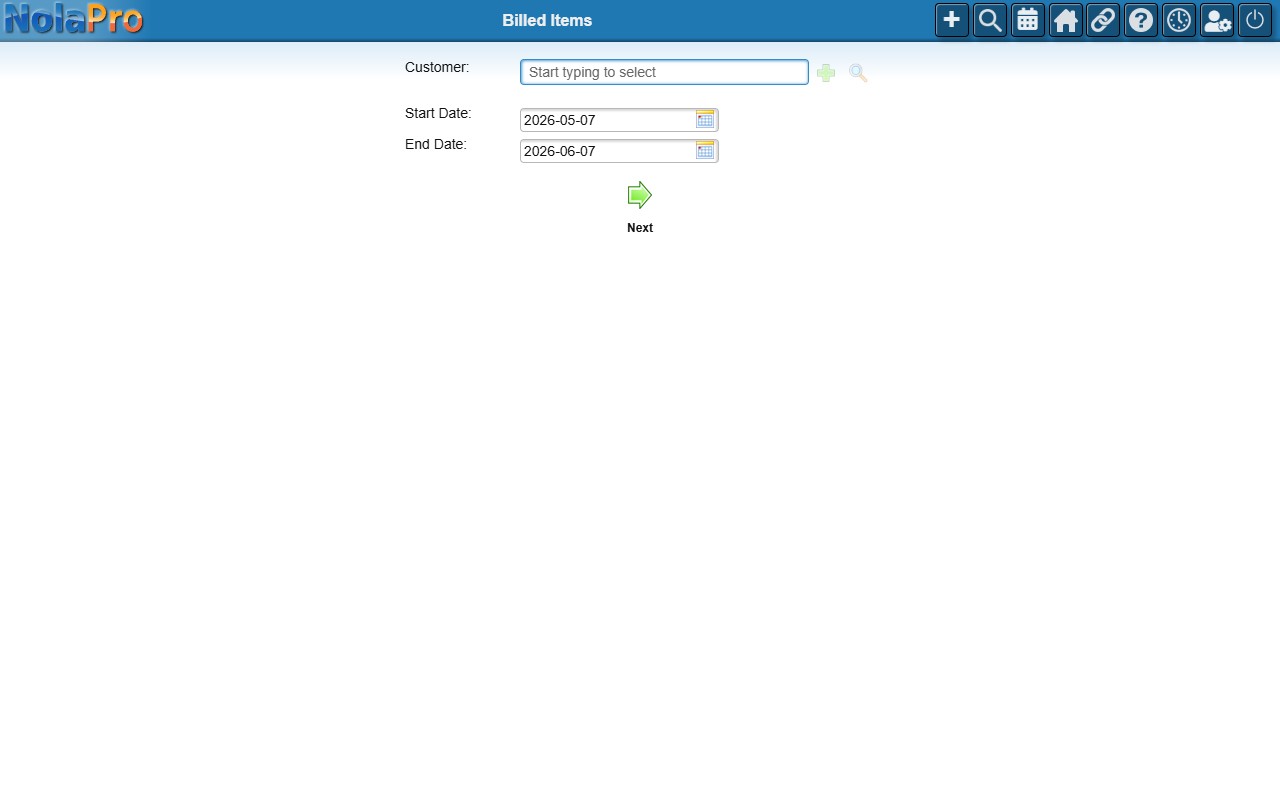
Pick the customer and an optional date range, then run the report.