
Adding an Employee
The New Employee page creates an employee record used by Payroll and time tracking. It requires the Payroll module.
Add one from Payroll -> Employees -> Add Employee.
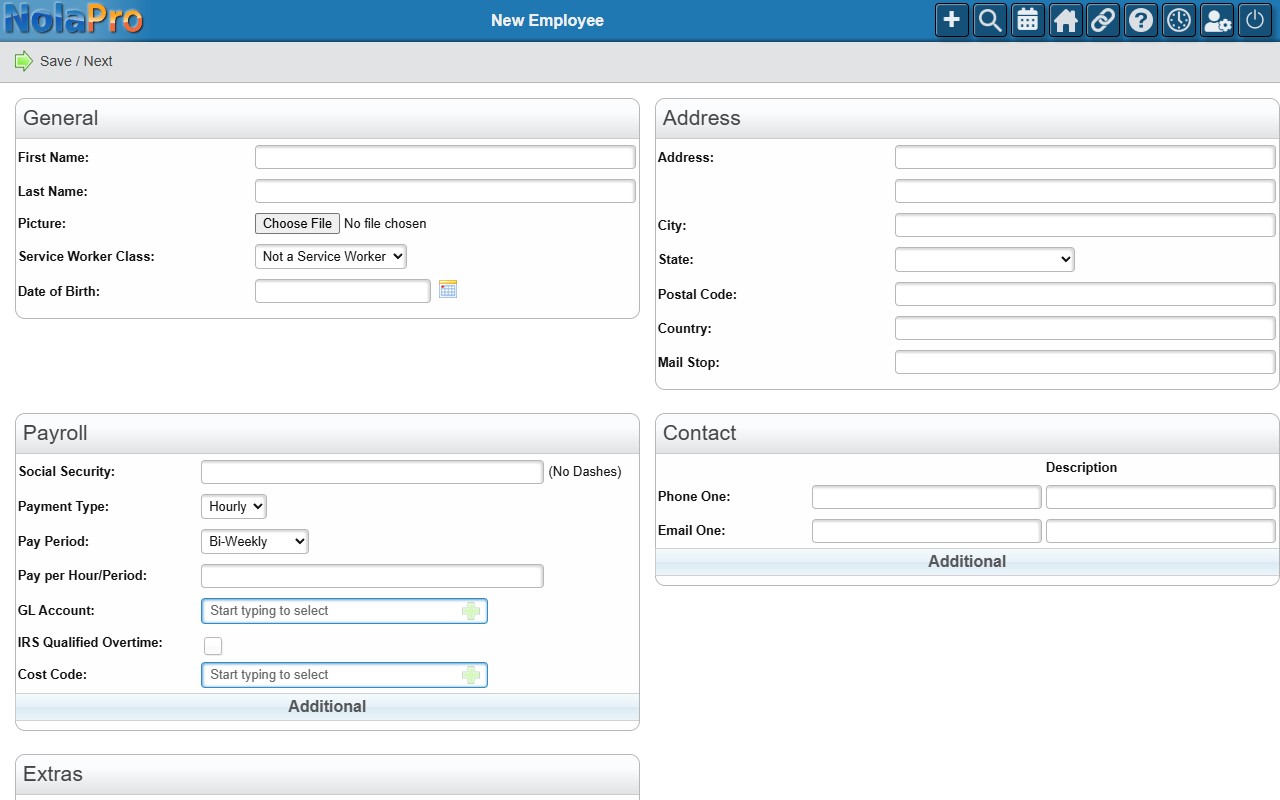
Entering the Employee
Fill in the employee's general information, then continue through the additional pages (such as tax and deduction setup) to complete the record before running payroll for them. To change an employee later, open Payroll -> Employees and select them.