
Adding and Editing Customers
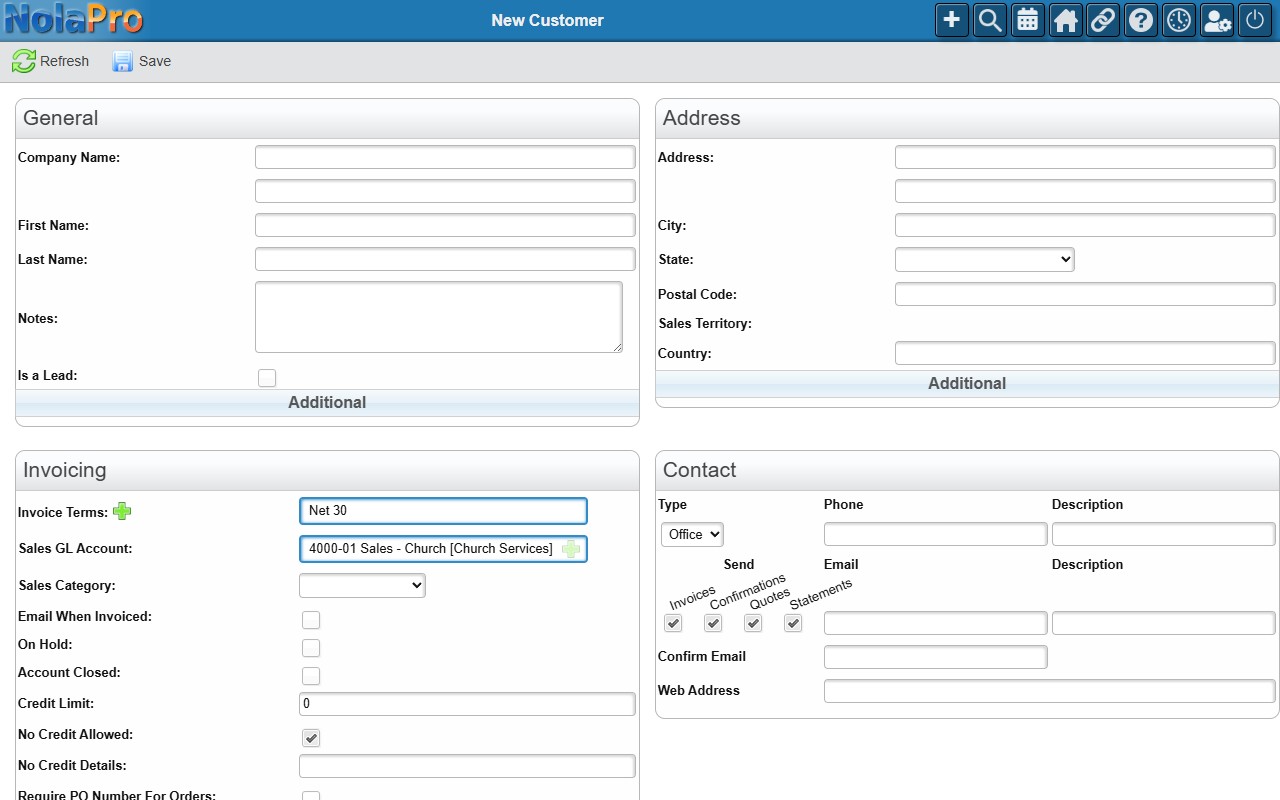
A customer record holds the contact details, billing address, invoice terms, tax setup, and default ordering preferences NolaPro uses on that customer's orders and invoices.
Add a new customer from Income -> Customers -> Add Customer.
Editing an Existing Customer
To change a customer, open Income -> Customers and select the customer to open the multi-tab View / Edit Customer page. There you can update identity and contact information, the billing address, invoicing and tax preferences, and ordering options.