
Invoices by State Report
The Invoices by State report summarizes invoices grouped by the customer's state, useful for geographic sales analysis and state-level tax review.
Open it from Income -> Reports -> Billing -> Invoices by State.
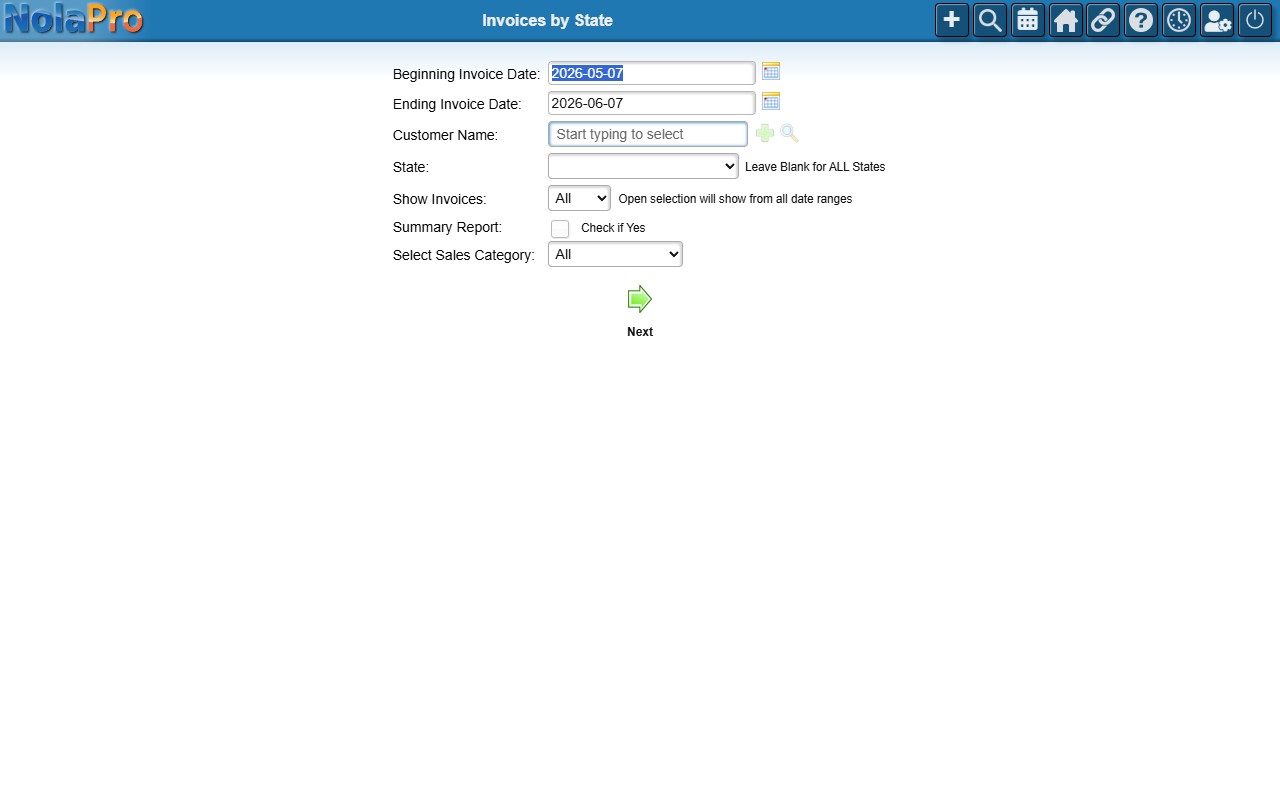
Running the Report
Set the Beginning and Ending Invoice Date, optionally filter by Customer, State (leave blank for all states), or Sales Category, tick Summary Report if you want totals only, then click Next.