
Archived Reports
The Archived Reports page lets you review reports that NolaPro has saved to the archive, so you can retrieve a previously generated report (customer statements, AR/AP/GL/PR/Inventory reports, and more) without re-running it.
Open it from Tools -> System -> Archived Reports.
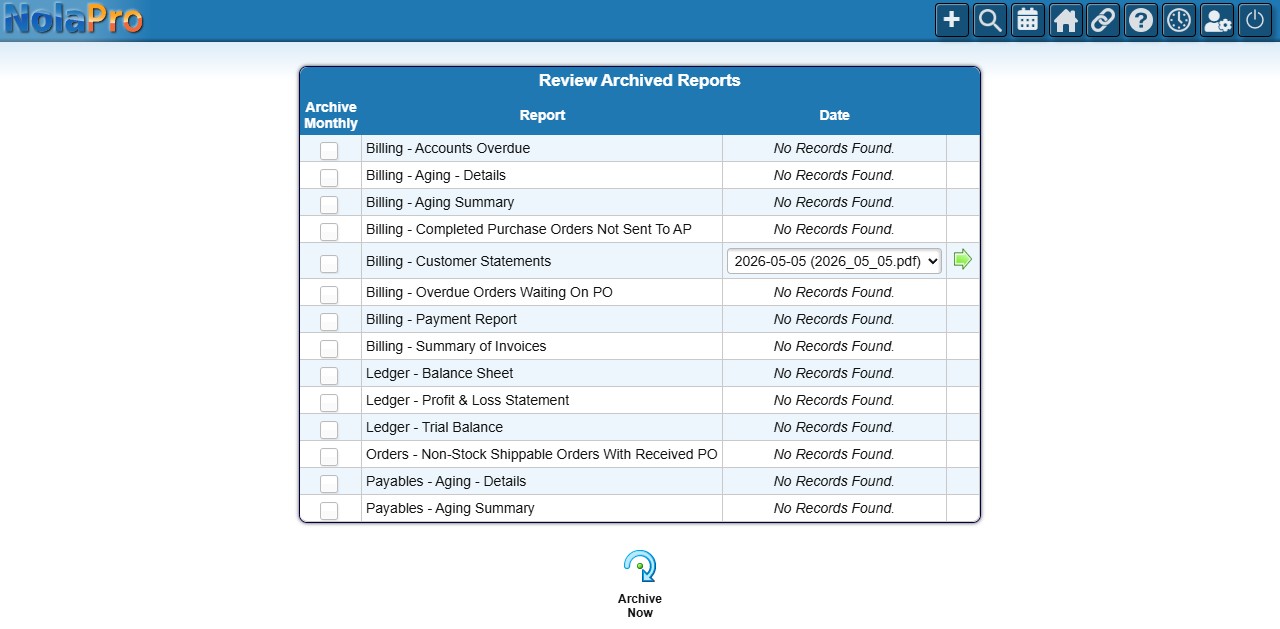
Each row is a report type; tick Archive Monthly to have NolaPro save that report automatically each month, or pick a saved date from the Date dropdown and open it. Use Archive Now to capture the current reports immediately.