
Daily Close Report
The Daily Close report summarizes a day's invoicing and payment activity for end-of-day close and reconciliation. Totals can be grouped (for example, payment types by cost code).
Open it from Income -> Reports -> Billing -> Daily Close.
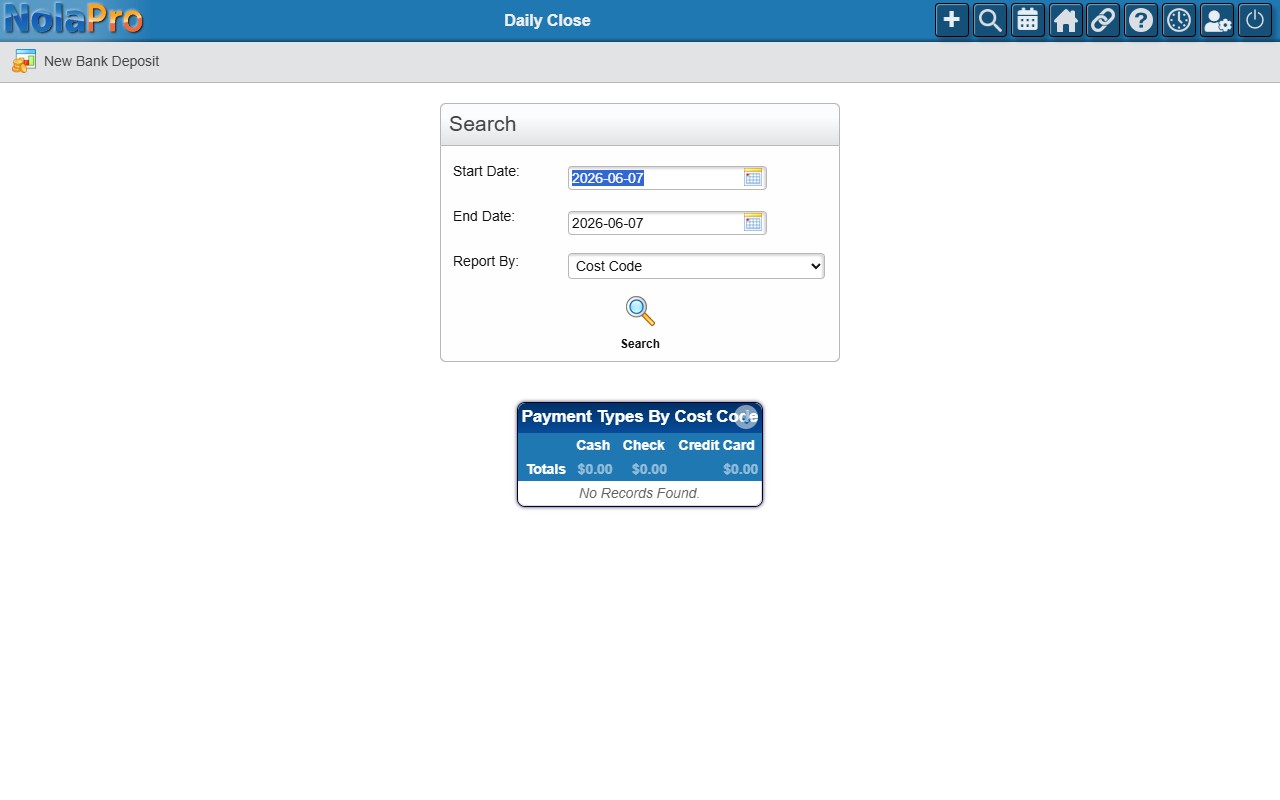
Select the Start and End dates and a Report By grouping, then run the report to review the day's totals.
Because closing out the day and depositing the day's takings go hand in hand, the report's toolbar includes a New Bank Deposit button. It opens the bank deposit entry screen, where you can group the payments you took in into a single bank deposit to match what you physically deposit at the bank — which keeps later bank reconciliation straightforward. (See the How to Record a Bank Deposit article for the full deposit workflow.)