
Email Center
The Email Center lets you compose and send an email to customers, vendors, employees, or any address. It supports a reply-to address, CC and BCC, file attachments, and a rich-text editor.
Open it from Income -> Customers -> Email Center.
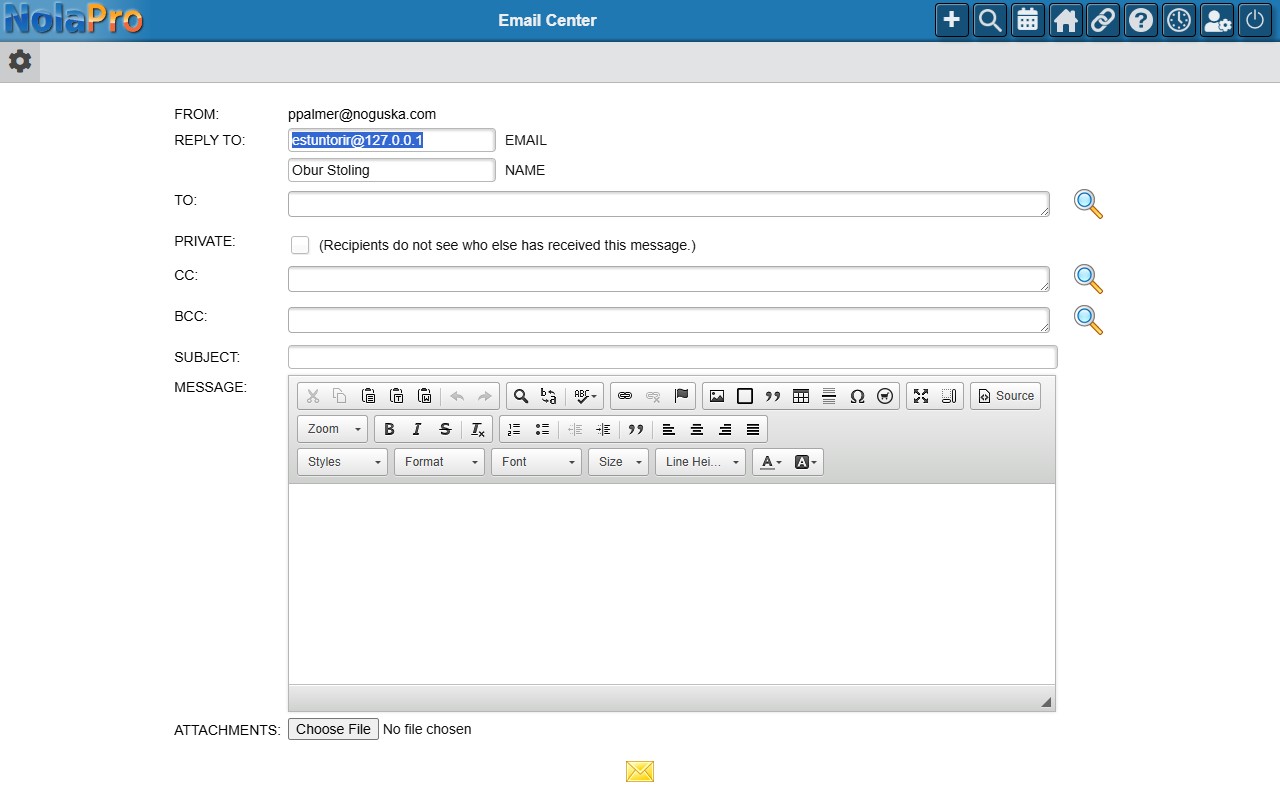
Sending an Email
Choose your recipients, write your message in the editor, add any attachments or CC/BCC addresses, and send.
Sending happens while you wait, so a message with several recipients or large attachments can take a moment. A Sending... indicator with an elapsed-time counter is shown until the mail server finishes. Do not press Send Email again; the button is disabled once sending starts. When it finishes, the page shows either a success message with the time the send took, or the error that occurred.