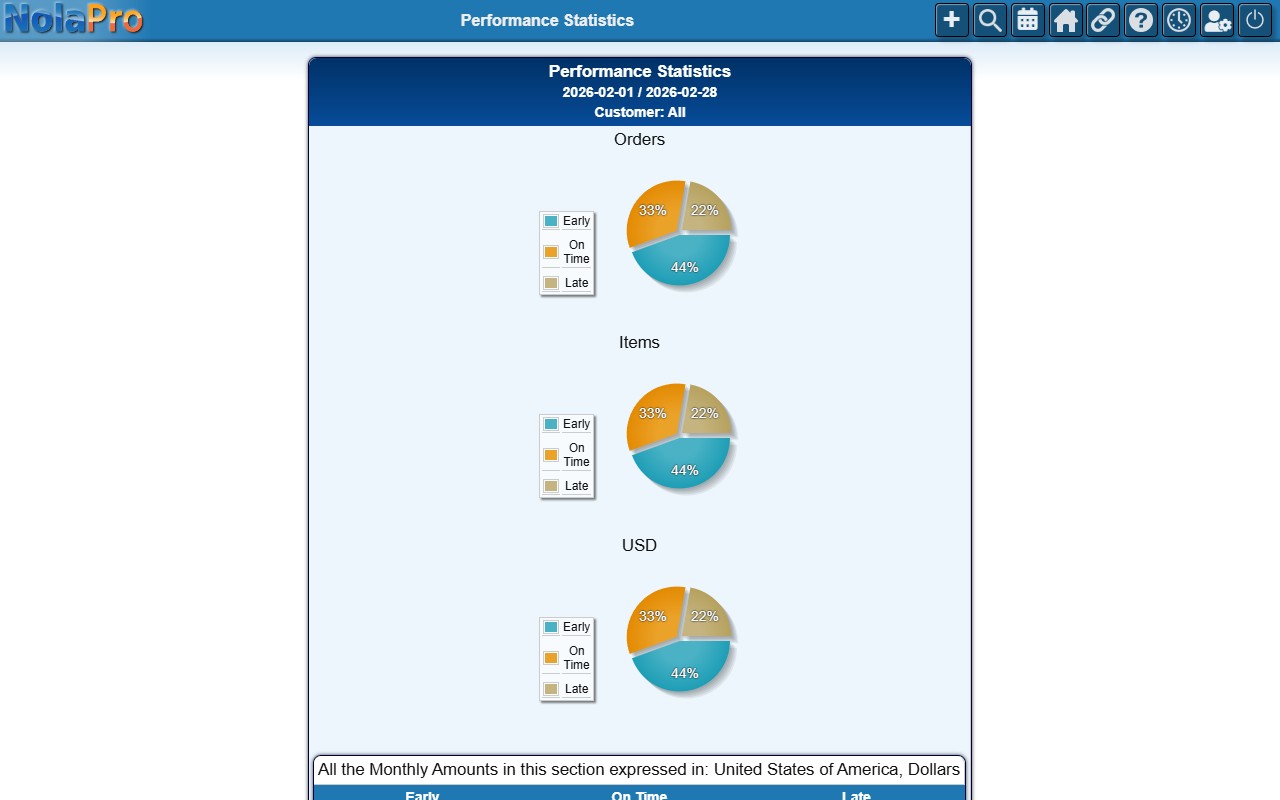
Order Performance Statistics Report
The Performance Statistics report summarizes order performance metrics over a period you choose. Start by setting the filters, then generate the statistics.
Open it from Income -> Reports -> Orders -> Performance Statistics.
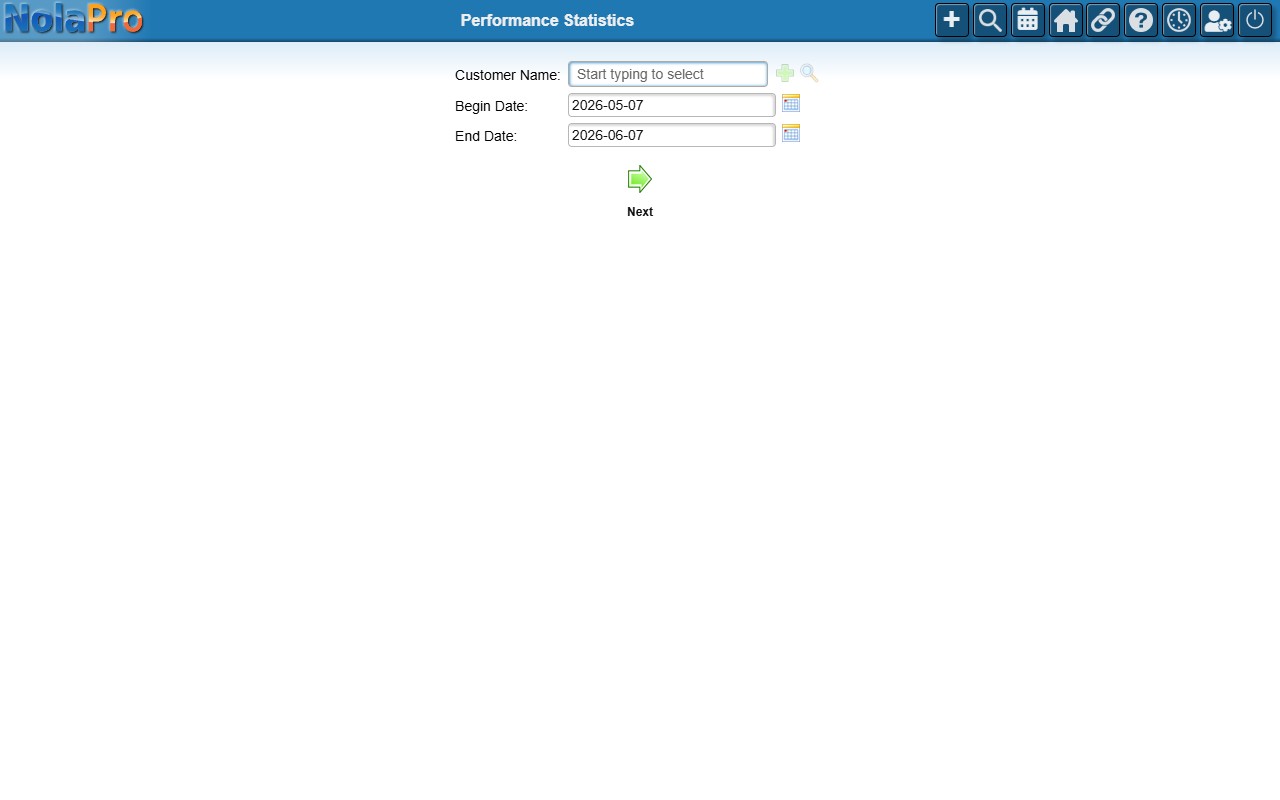
Running the Report
Set the date range (and any available filters) and generate the report. The results show on-time performance as Early / On Time / Late — by order count, item count, and dollar amount, each with a pie chart — followed by a daily breakdown of orders received, shipped, and open for the period.